How Evplan works
A quick walkthrough of the whole flow — search, pick your EV, go.
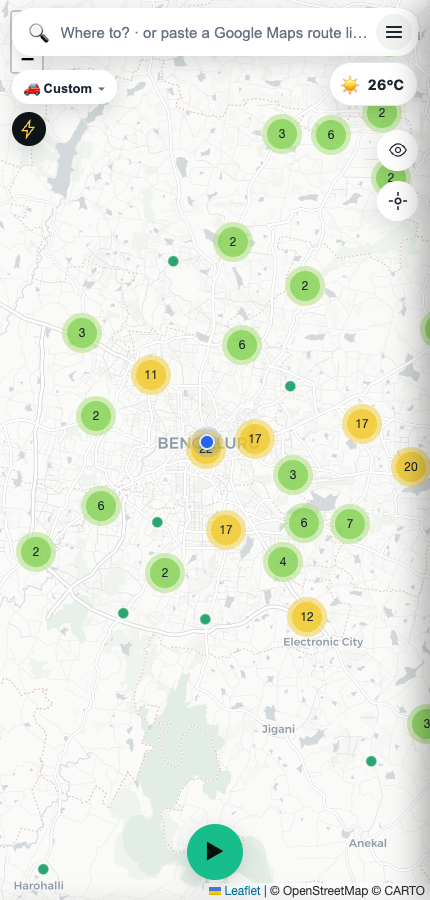
Open Evplan and you'll see India's charging network — every station from Open Charge Map and OpenStreetMap, color-coded by status, clustered so a country-wide view stays readable.
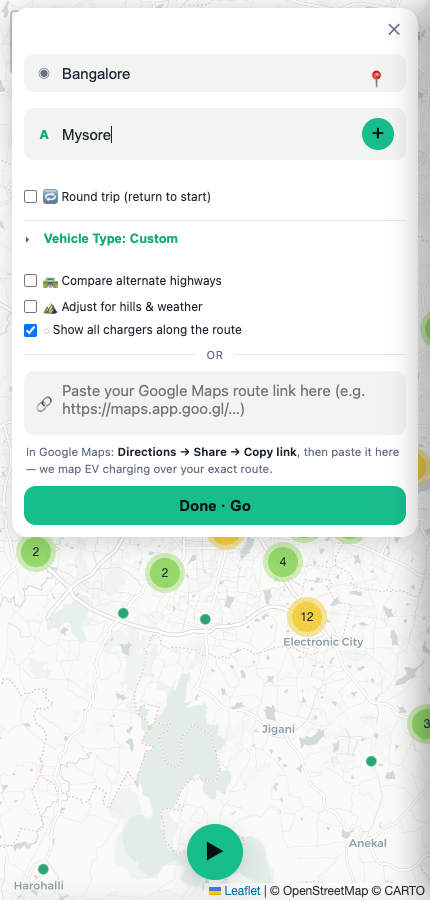
Tap the search bar (or the ≡ menu) and enter where you're starting from and where you're headed. Your current location is filled in automatically once you allow it.
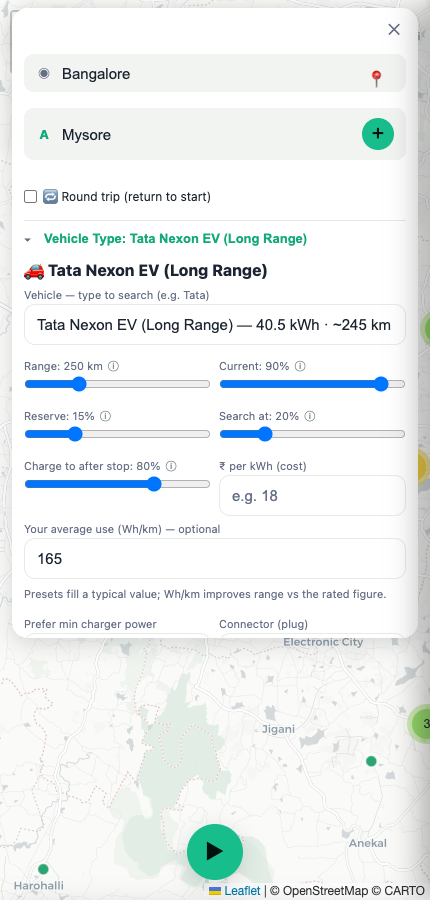
Pick your EV from ~30 India-market presets — or go fully custom with your own battery size, range, and Wh/km. Every slider has a plain-English tooltip if a term's unfamiliar.
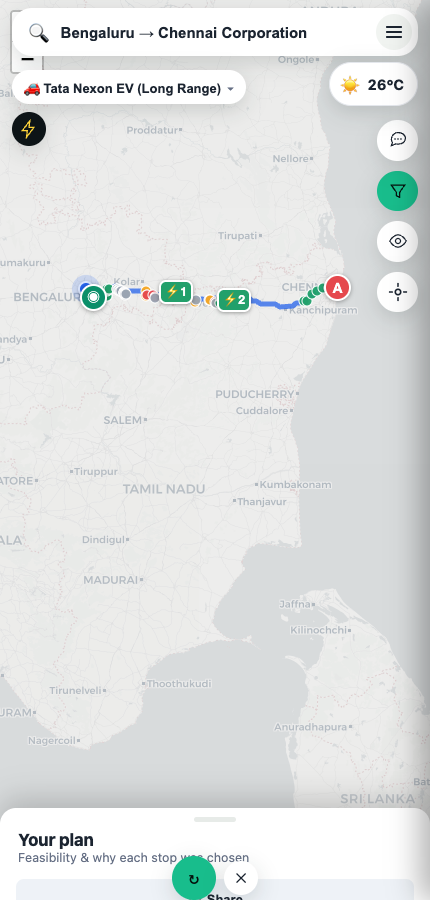
Tap Done · Go and Evplan draws your route with charging stops already placed — not just the nearest chargers, but the ones on your actual path, reachable at the state of charge you'll realistically have.
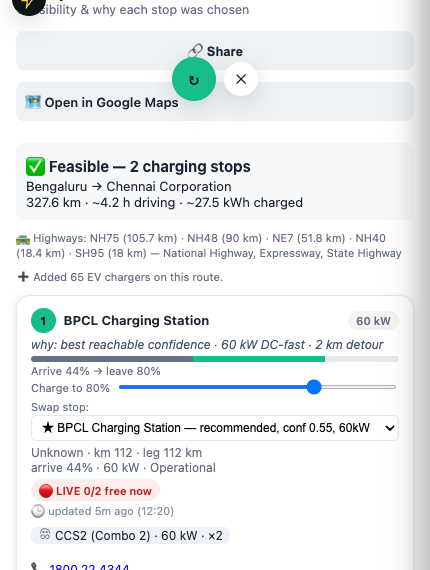
Each stop shows why it was chosen (confidence, power, detour), a live arrival→departure charge bar, connector type, and — when Google has it — real-time slot availability, updated within the last few minutes.
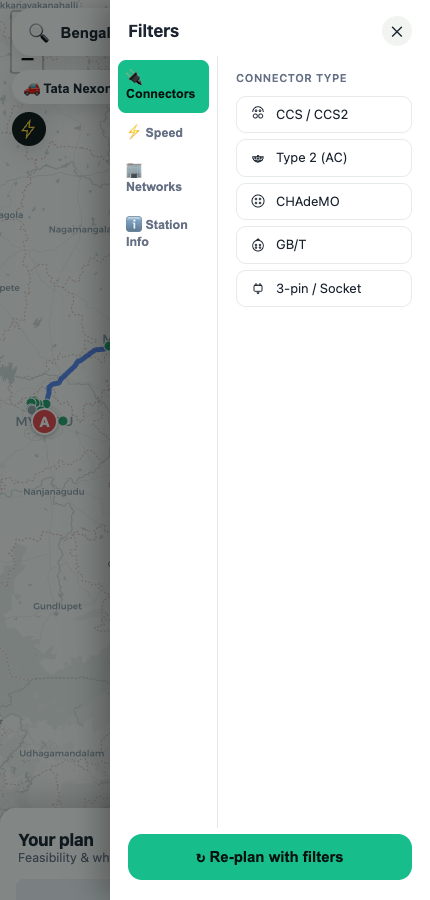
Only trust certain networks, or need a specific connector or minimum power? Filter by connector type, charging speed, or operator, then re-plan instantly.
That's the whole flow — search, pick your EV, go. Add Evplan to your home screen for one-tap access next time you're planning a trip.